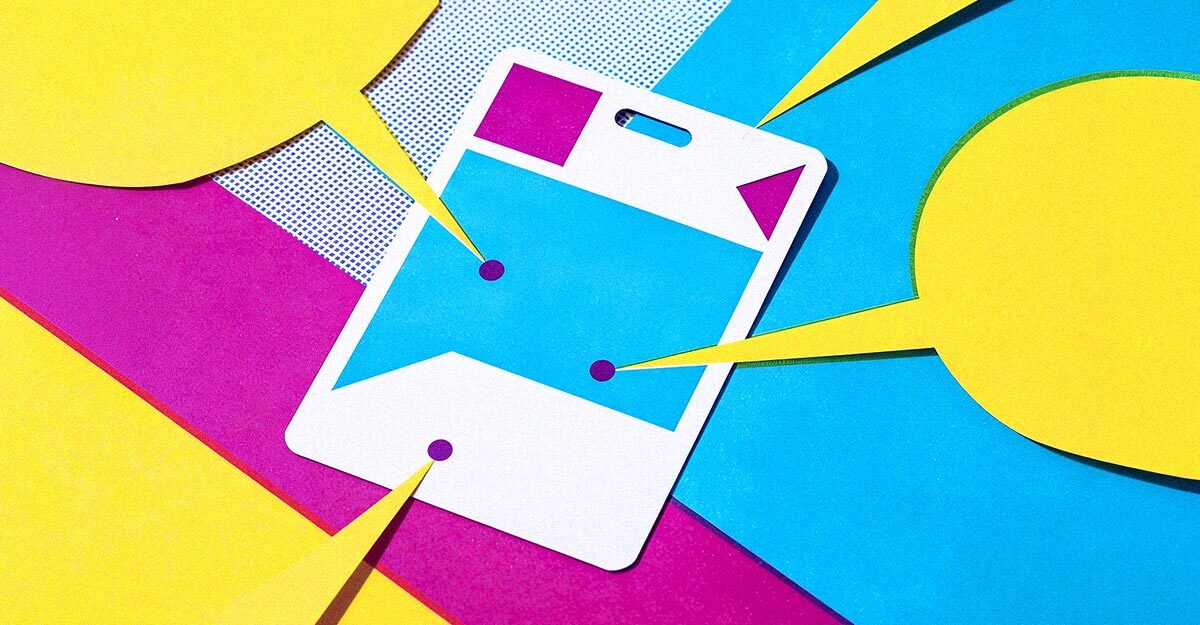
Every event badge has three jobs. It carries your brand into every hallway conversation and photo, it helps attendees connect with each other, and it quietly answers logistics questions so your staff doesn't have to. The best badges handle all three without feeling crowded. Here's what belongs on a well-designed badge, and why each element earns its spot.
The three jobs of an event badge
- Elevate your brand: Rich color, a clean layout, and clear attendee and event details that make the whole event look polished.
- Connect attendees: A scannable QR code that turns a quick introduction into a saved contact.
- Streamline logistics: Key schedule and venue details at a glance, so attendees spend less time searching and more time engaging.
Elevate your branding
A badge is worn for hours, sometimes days. It shows up in selfies, LinkedIn posts, and sponsor photos long after the event ends. That makes it one of the most visible pieces of branding you'll produce, so treat it like one.
Brand colors, printed edge to edge
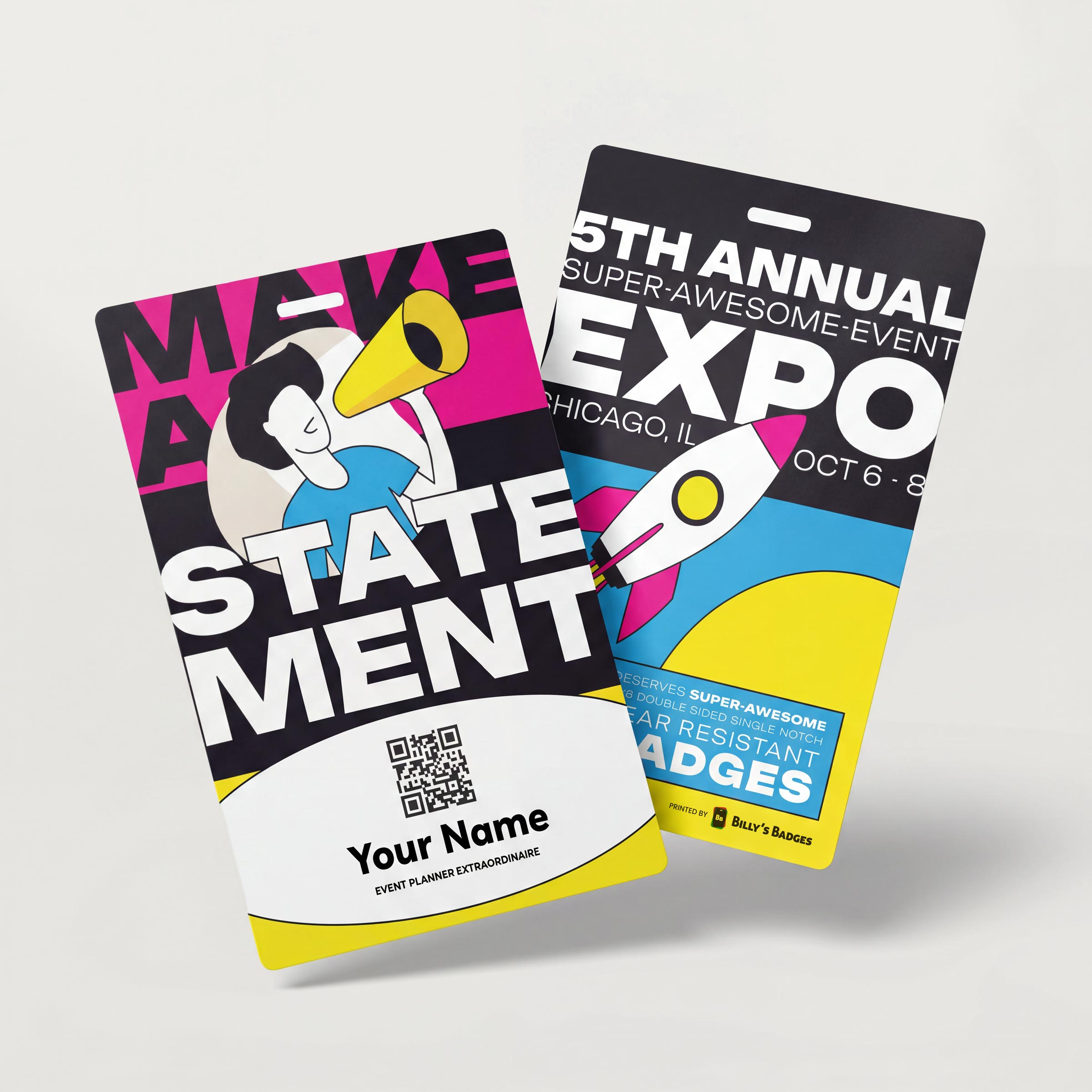
Color is the fastest brand signal there is. Attendees recognize your palette before they read a single word, so it pays to get it right. Look for high-resolution, deeply saturated printing that runs edge to edge, with no white border framing the design. Full-bleed color makes a badge feel finished and premium, and crisp printing keeps gradients smooth and small type sharp.
Pro tip: Send vector logo files (AI, EPS, SVG, or PDF) and extend background color past the trim line so the color truly reaches the edge. Our artwork templates show the bleed and safe zones for each badge size.
Attendee info
The attendee's name is the star of the badge. Make the first name the largest text on the layout so it's readable from a few steps away, then build the supporting details beneath it. Include only what helps people start a conversation or helps staff do their jobs.
- First name: Large, bold, and high contrast against the background.
- Full name: Smaller, directly below the first name.
- Title and company: The details that spark "Oh, you're with…" conversations.
- Attendee type: A color band or label for Speaker, Exhibitor, Sponsor, VIP, or Staff so roles are clear at a glance.
Printing names on site? With direct thermal event badges, we print your full-color branded design ahead of time, and you print attendee names on your own direct thermal printer at check-in. Late registrations get a badge that matches everyone else's.
Event and brand contact info
A small footer of contact details turns the badge into a pocket reference for the whole event. Keep this type modest so it supports the design rather than competing with the attendee's name.
- Event website: Where attendees find the full agenda and updates.
- Hashtag and social handles: An easy prompt for attendees to post about your event.
- Help desk contact: A phone number or email for questions and lost-and-found.
- Wi-Fi details: The network name, and the password if it's not sensitive.
Connect attendees
Networking is one of the top reasons people attend events, and the badge is the natural place to make it easier. A QR code that points to your event website is a good start. A vCard QR code goes further.
From QR codes to vCard QR codes
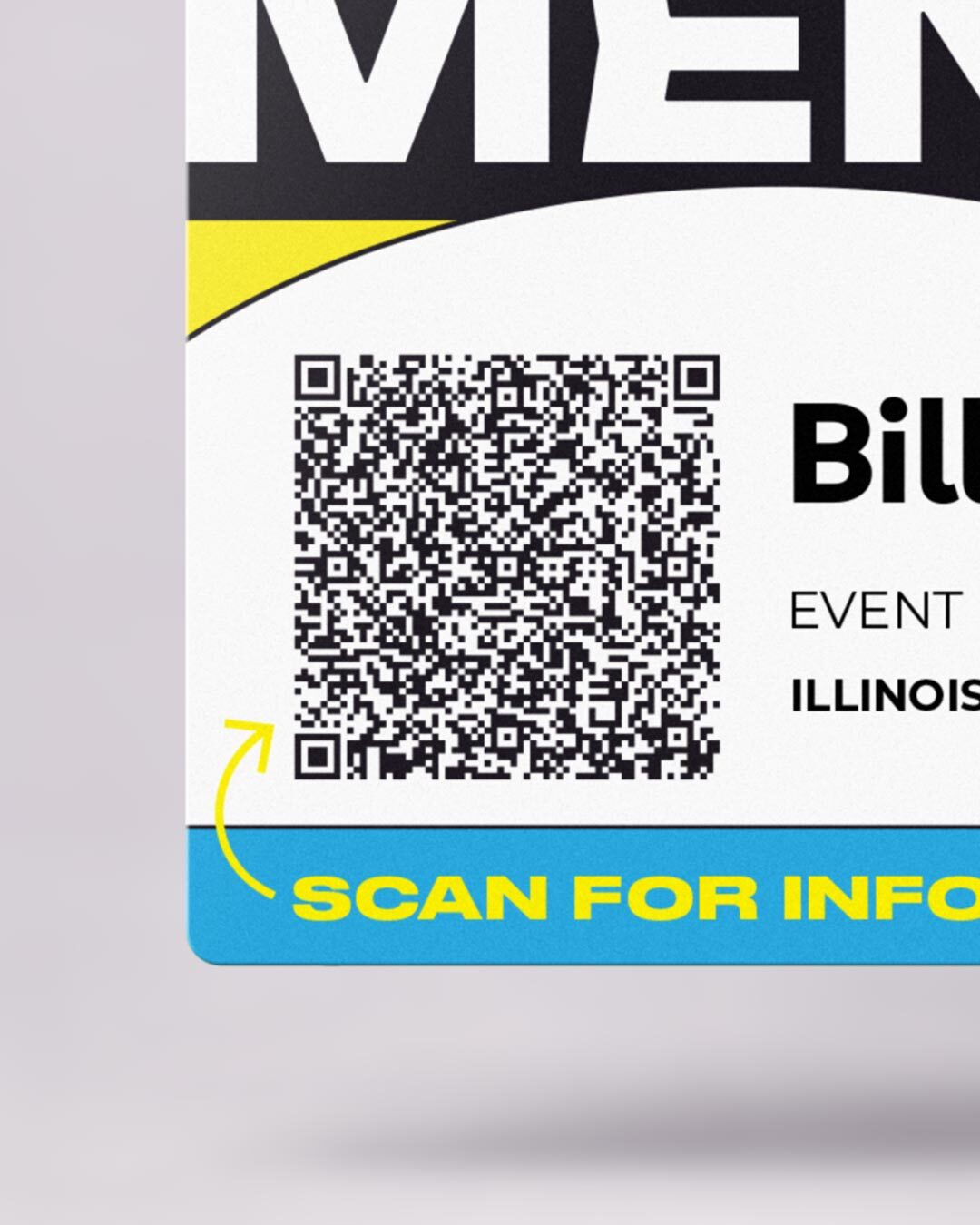
A vCard QR code holds an attendee's contact details: name, title, company, email, and phone. When someone scans it with a phone camera, those details save straight to their contacts, with no app and no swapping business cards. Each attendee gets their own unique code, so every badge works like a digital business card.
Billy's Badges can generate a unique QR code for every attendee from your registration spreadsheet. For setup tips and best practices, read our guide to vCard QR codes for event badges.
Pro tip: Only encode contact details attendees have agreed to share, and test-scan a printed proof before your full run. Give the code a clear white margin so phones read it quickly.
Streamline logistics
The badge is the one item every attendee carries all day. Put the details they ask about most right on it, and you'll cut down on repeat questions at the registration desk.
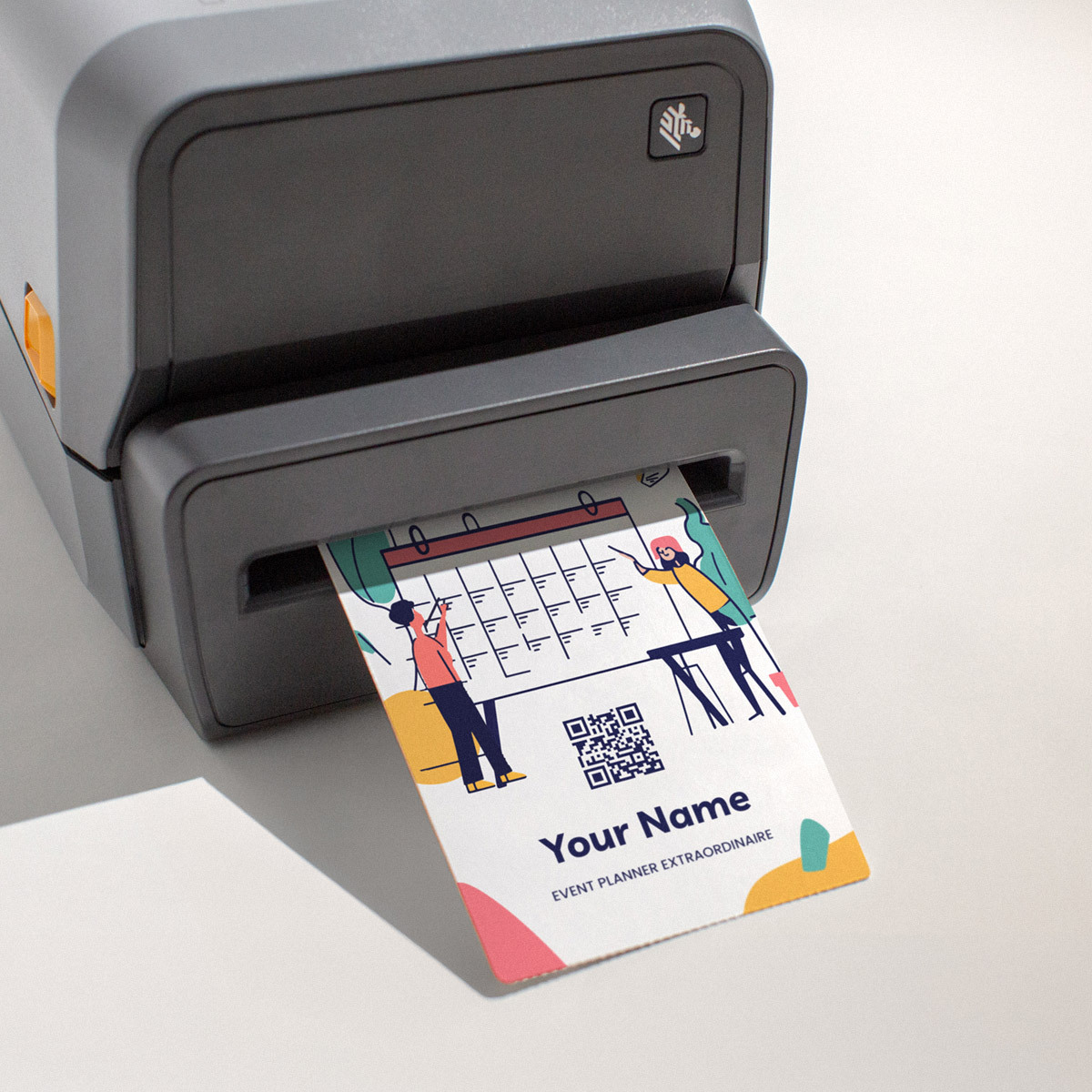
- Schedule highlights: Keynote, meals, and evening events with times and room names.
- Venue cues: Hall or floor names that match your on-site signage.
- Access levels: Color coding that lets door staff spot VIP or all-access attendees instantly.
- Agenda link: A QR code to the full schedule or event app for everything that won't fit.
Keep the schedule to the essentials and let your app or website carry the full agenda. When the room names on badges match the names on your signs, attendees find their way faster. Our guide to event wayfinding signage covers how to make the two work together.
Putting it all together
A 4x6 portrait badge gives you room for every element without crowding, which is one reason it accounts for about 80% of the badges we sell. A layout that works for most events runs top to bottom like this:
- Event logo and name
- Attendee first name, then full name
- Title and company
- Attendee type color band
- vCard QR code
- Event contact footer
Schedule highlights and venue cues fit on the back, where attendees can flip to them without hiding the front of the badge.
Every element on a badge should earn its place. Get the branding, connections, and logistics right, and your badge works as hard as your event team does.
Frequently asked questions
What information should go on an event badge?
At minimum, include the attendee's name, title, and company, plus your event logo and branding. Many events also add an attendee type label, a QR code for networking, event contact details, and schedule highlights.
How large should the name be on an event badge?
The first name should be the largest text on the badge, bold and high contrast, so people can read it from a few steps away. Supporting details like title and company can be smaller.
What is a vCard QR code on an event badge?
A vCard QR code stores an attendee's contact details. When another attendee scans it with a phone camera, the details save directly to their contacts, so the badge works like a digital business card.
Can Billy's Badges add a unique QR code for each attendee?
Yes. Send us your attendee spreadsheet and we'll generate a unique QR code, such as a vCard code, for every badge in your order.
Can I put the event schedule on a badge?
Yes. Add the highlights attendees ask about most, like keynote times, meals, and room names, and include a QR code to the full agenda for everything else.
What badge size has room for all of these elements?
A 4x6 portrait badge is the most popular choice and comfortably fits branding, attendee details, a QR code, and contact info. It accounts for about 80% of the badges we sell.