
In the world of event planning, Eventify is a leader in end-to-end event management with a heavy focus on mobile accessibility and attendee networking. But even the most sophisticated registration build-out can be undermined by a long, slow-moving line at the check-in desk.
If you are using Eventify to power your conference, the event name badges are the final mile of your attendee's digital journey. Choosing the best event badge printing partner does not just make your event look professional, it ensures your Eventify software and printers work in perfect harmony.
Why badge compatibility matters for Eventify
Eventify’s onsite event badge printing functionality is built for speed and branding. Because Eventify often utilizes advanced features like self-scan QR check-in kiosks and offline printing capabilities, the quality of your badge stock is paramount. A high-quality surface ensures that the drag-and-drop variables like attendee names, logos, and QR codes rendered by the Eventify dashboard remain crisp and readable throughout the event.
If your event name badges are not perfectly compatible with Eventify-supported hardware, you may encounter:
- Calibration Drift: Where the text slowly shifts off the badge over time.
- QR Code Failure: If the thermal coating is poor quality, Eventify’s Lead Scan & Retrieval App may struggle to capture data during exhibitor interactions.
- Onsite Delays: Every second spent clearing a paper jam is a second your attendees are stuck in the lobby.
Onsite badging vs. pre-printed badges with Eventify
Most Eventify power users fall into one of two categories:
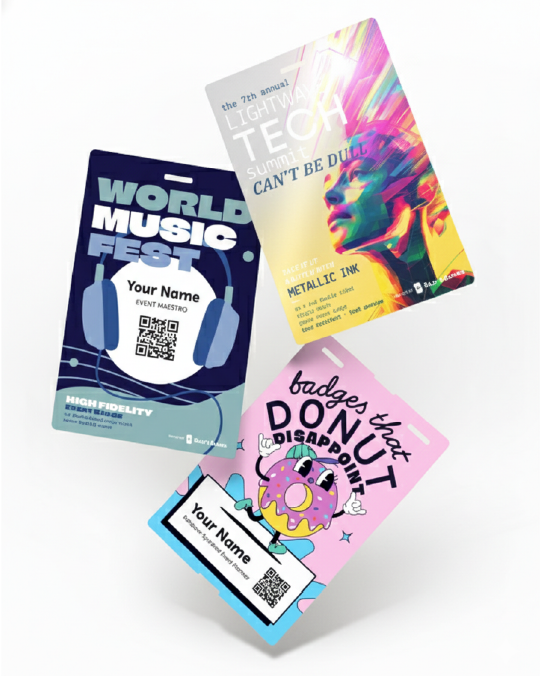
- On-Demand Onsite Event Badge Printing: This is the most popular choice for Eventify users who want to reduce waste. This instant check-in to print workflow is a hallmark of the experience. Attendees simply scan their ticket QR code at a kiosk, and a badge prints in under a minute. This requires direct thermal event name badges, meaning no ink or toner is required.
- Batch Printing (Pre-Printed Event Badges): Some planners prefer to use Eventify to generate a single PDF for all confirmed attendees and print badges in advance. While this allows for more creative material choices, it loses the flexibility of handling last-minute profile edits or walk-in registrations directly through the Eventify admin panel onsite.
Top types of event name badges for Eventify users
For a professional look that integrates perfectly with Eventify, we recommend these three options:
- Direct Thermal Eco-Badges: These are thick, durable, and do not require a plastic pouch. They are the go-to for Eventify users looking for a sustainable, "green" event solution without sacrificing durability.
- Fanfold Badges: These are designed for high-volume onsite event badge printing. The stacked format prevents curling, making them ideal if you are using Eventify to print multiple items like certificates or desk labels alongside your name badges.
- Adhesive Labels: If you are using Eventify for a smaller workshop or community meetup, adhesive labels paired with a pre-printed shell is a cost-effective, high-speed solution that works perfectly with compact label printers.
Technical specs for Eventify badging
To ensure a plug-and-play experience with Eventify, your event name badges should meet these criteria:
- The Black Mark: Eventify-supported printers (like Zebra and Brother) often rely on a black mark on the back of the badge liner to signal where one badge ends and the next begins. Ensure your stock is Sense-Mark compatible.
- Standard Dimensions: Eventify allows for custom sizes, but most planners stick to the 4" x 3" (horizontal) or 4" x 6" (vertical) formats to ensure they align with the platform's predefined variables.
- Lead Retrieval Optimization: Because Eventify features Two-Way Scanning, high-contrast QR codes are vital. Always use bright white badge stock to ensure both attendees and organizers can scan codes instantly with their smartphones.
Event planning tipsfor a faster Eventify onsite check-in
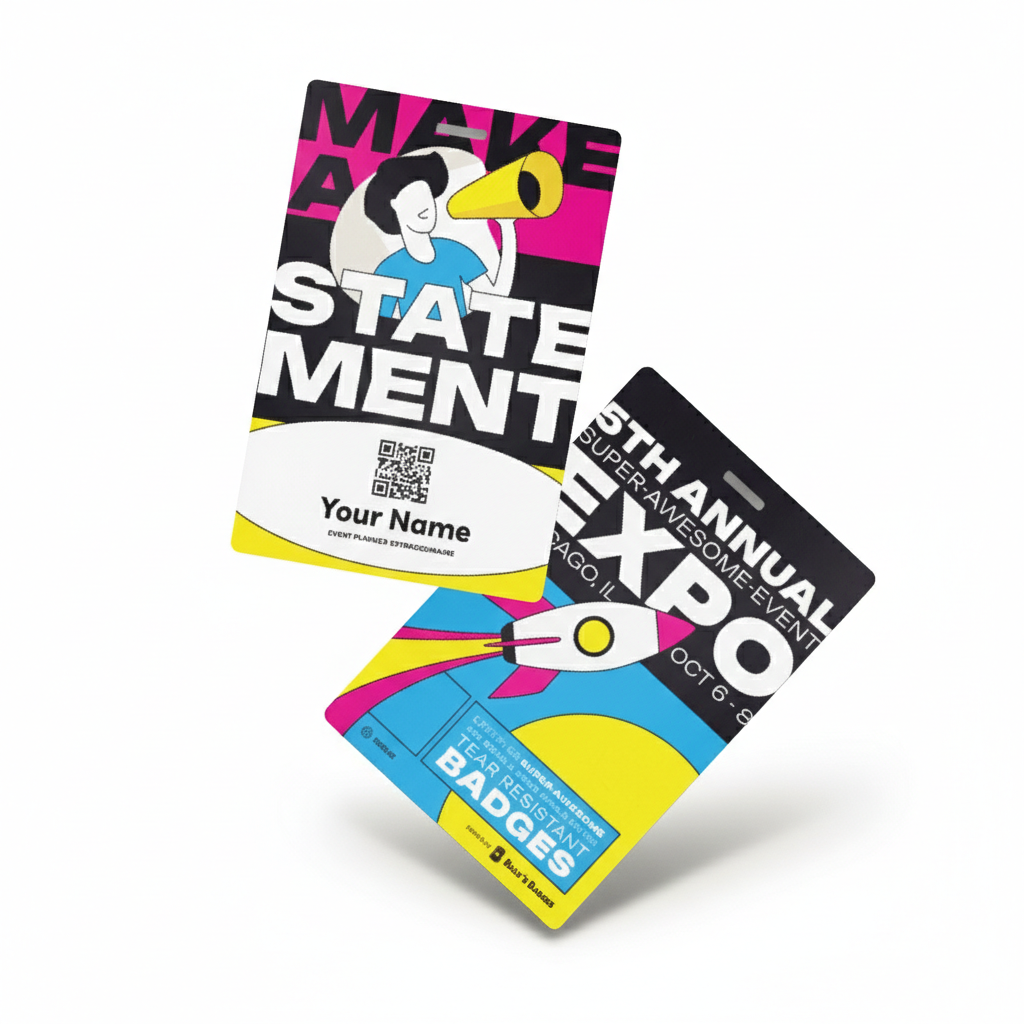
- The Fanfold Advantage: Use fanfold badge stock stacked in a box rather than rolls. Rolls have memory and tend to curl, which can cause jams in your kiosks.
- Always Test Your Layout: Before the doors open, print a test badge for your longest name and your longest title to ensure nothing gets cut off by the margins.
- Stock Up: We recommend ordering 15 to 20 percent more stock than your Eventify registration count to account for walk-ins and testing.
Recommended hardware for Eventify
Eventify is designed to work seamlessly with industry-standard hardware for both iOS and Android. For the best onsite event badge printing experience, we recommend:
- Zebra Desktop Printers (Wireless/Ethernet): Known for durability and high-speed output, these are the preferred choice for large Eventify conferences.
- Brother Wi-Fi Label Printers: A popular choice for Eventify users who want a chic, "clutter-free" kiosk experience with wireless connectivity.
Ready to order your Eventify-compatible badges?
Don't leave your onsite experience to chance. Billy's Badges provides the highest quality event name badges in the industry, specifically designed to work with Eventify and supported printers to ensure your check-in is as seamless as your registration.
Give your attendees a badge they're proud to wear, and an experience that reflects the professionalism of your event from the very first scan.
FAQs: Event name badges for Eventify
What printers work with Eventify's onsite badge printing?
Eventify integrates with Zebra Desktop Printers (Link-OS) over Ethernet or Wi-Fi, and with Wi-Fi-enabled Brother printer models. You can also plug in a wired printer directly, or use another printer as long as it's compatible — Eventify's support team can confirm compatibility for you.
What badge sizes does Eventify support?
Eventify's badge size setting is flexible rather than fixed to one dimension — many organizers reuse the same feature to print certificates, desk labels, and CME/CDE point certificates. A "Custom" size option is available if your printer needs a specific format; Eventify's support team can confirm compatibility.
Does Eventify's badge printing work without a live internet connection onsite?
Yes. Once the kiosk is set up, Eventify's badge printing system can operate with zero internet connectivity, so a spotty venue network won't stall the check-in line.
How much hardware do I need to run an Eventify badge printing kiosk?
Just two devices: an iOS or Android tablet and a compatible printer. Eventify's minimal hardware approach is designed to avoid bulky kiosk setups or needing a dedicated IT team onsite.
Can attendees edit or reprint their badge onsite if something's wrong?
Yes. Attendees can access their badge profile at the kiosk, make edits, and self-print, and staff can also reprint lost or damaged badges on the spot.