
Enable fast event check-ins, ensure smooth onsite badging, and create a delightful experience for all.
Whether you're hosting a global conference, corporate summit, or creative networking event, Splash gives planners the freedom to focus on what matters most: creating real connection. First impressions begin at the door, and that's where the best custom event badge printing partner reshapes the experience. Paired with the Splash Host app, long lines and check-in chaos vanish. Splash streamlines setup, registration, and management so you can spend your time engaging attendees instead of wrestling with tech.
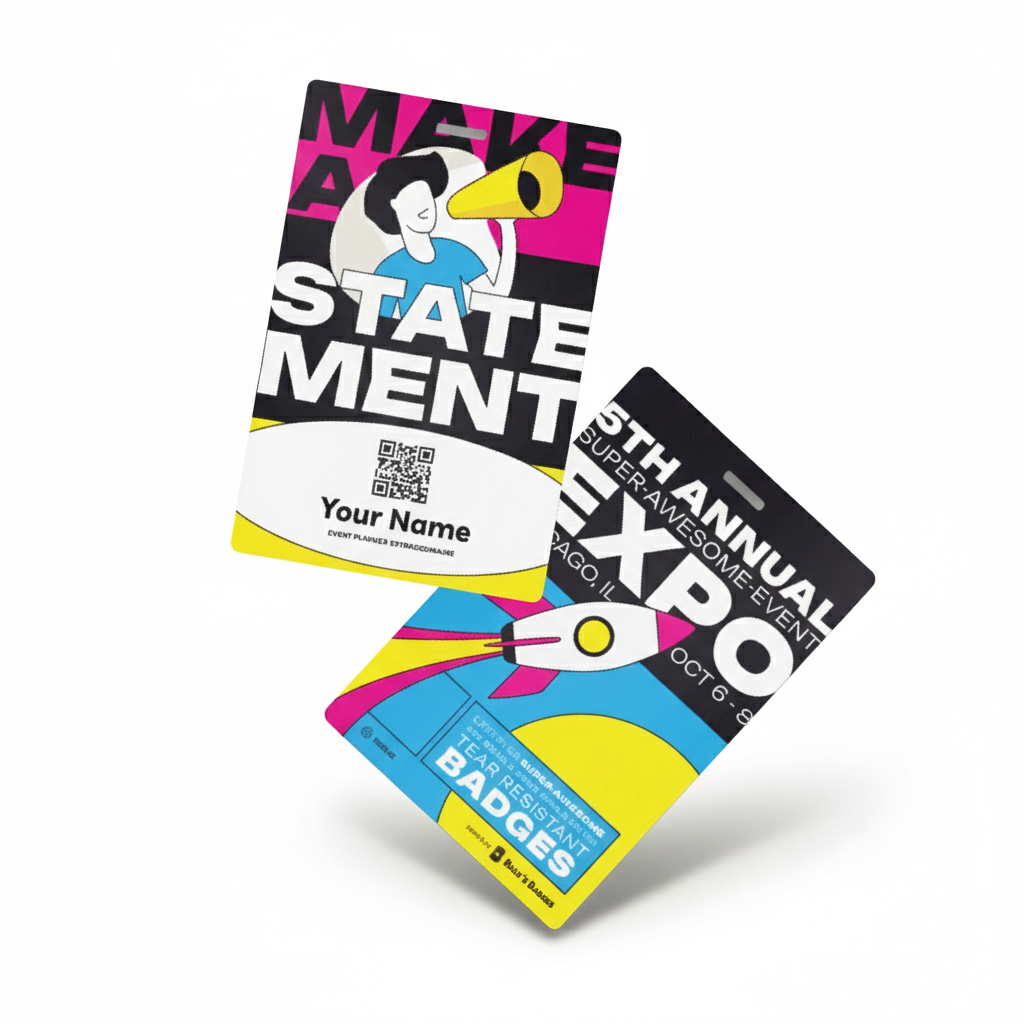
Set your event apart with custom badges designed to work flawlessly with Splash's onsite printing tools. Print instantly, move attendees through check-in faster, and put your brand front and center in vibrant, full-color materials. Professional, polished badges elevate every first impression.
Beyond registration, personalized name badges and conference lanyards bring your brand and event identity to life. Highlight speakers, sponsors, and VIPs while keeping navigation clear and consistent for every guest.
Whether you're running an in-person gathering or a hybrid experience, these details help your event feel smoother, more intentional, and more human.
Billy's Badges creates high-quality, full-color event badges that integrate seamlessly with direct thermal printers like Zebra, ensuring fast, accurate onsite printing. Our badges help planners deliver the polished, professional experience Splash is known for.
Give your attendees a badge they'll be proud to wear — and an event they'll remember.
FAQs: Conference Name Badges for Splash
Can conference name badges be printed automatically as attendees check in with Splash?
Yes. Splash's "Auto print on check-in" setting prints each guest's badge automatically the moment they check in, so there's no manual printing step at the desk.
Can attendees check in with a QR code using Splash?
Yes. Guests can check in via QR code scan, and QR codes can also be added directly to printed name badges when the Host app is running on iOS.
What printers should I use for Splash conference badges?
Splash connects to printers through AirPrint, but Brother printers are the ones Splash Support actively troubleshoots, making them the safest choice for a smooth setup. Check2Rent is Splash's recommended option if you need to rent hardware.
Can I customize what's printed on Splash conference badges?
Yes. Badges can include the guest's name along with additional details like company, job title, and email, so the badge reflects both attendee and event branding.
What network setup do I need for Splash's badge printing at a conference?
A stable internet connection is essential. Splash recommends bringing a dedicated WiFi device such as a MiFi hotspot or router rather than depending on venue internet, which can be unreliable at busy conferences.